

What this report shows
All items that were voided during a selected period. Track waste, mistakes, and customer cancellations.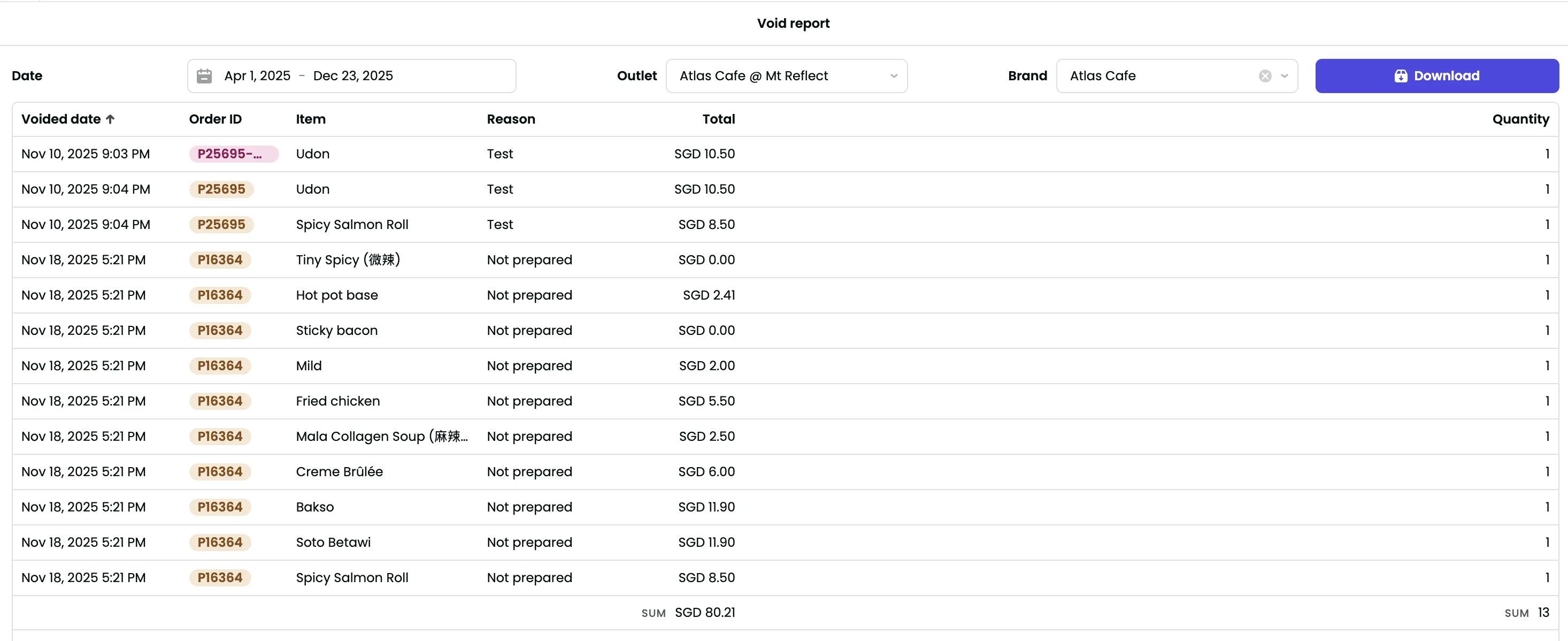
Filters

- Date — Serving date (when the order was originally fulfilled). Single date or date range.
- Outlet — Filter by outlet.
- Brand — Filter by brand.
Sections
Voided items table
Each row shows:- Voided date — When the item was voided.
- Order ID — Click to view the full order.
- Item — Name of the voided product.
- Reason — Reason selected when voiding (e.g., “Test”, “Not prepared”).
- Total — Value of the voided item, including modifiers.
- Quantity — Number of items voided.
Exporting
- Download — Export void data for analysis or record-keeping.